tldr: CQATest is a factory diagnostic app stuck on your Motorola or Lenovo phone. CQATest causes battery drain because it runs infinite retry loops trying to reach servers that don't exist. In 2026, CQATest conflicts with Android 16's security sandboxing, draining an extra 10-20% of daily battery on Razr and Edge devices. Here's how to fix it.
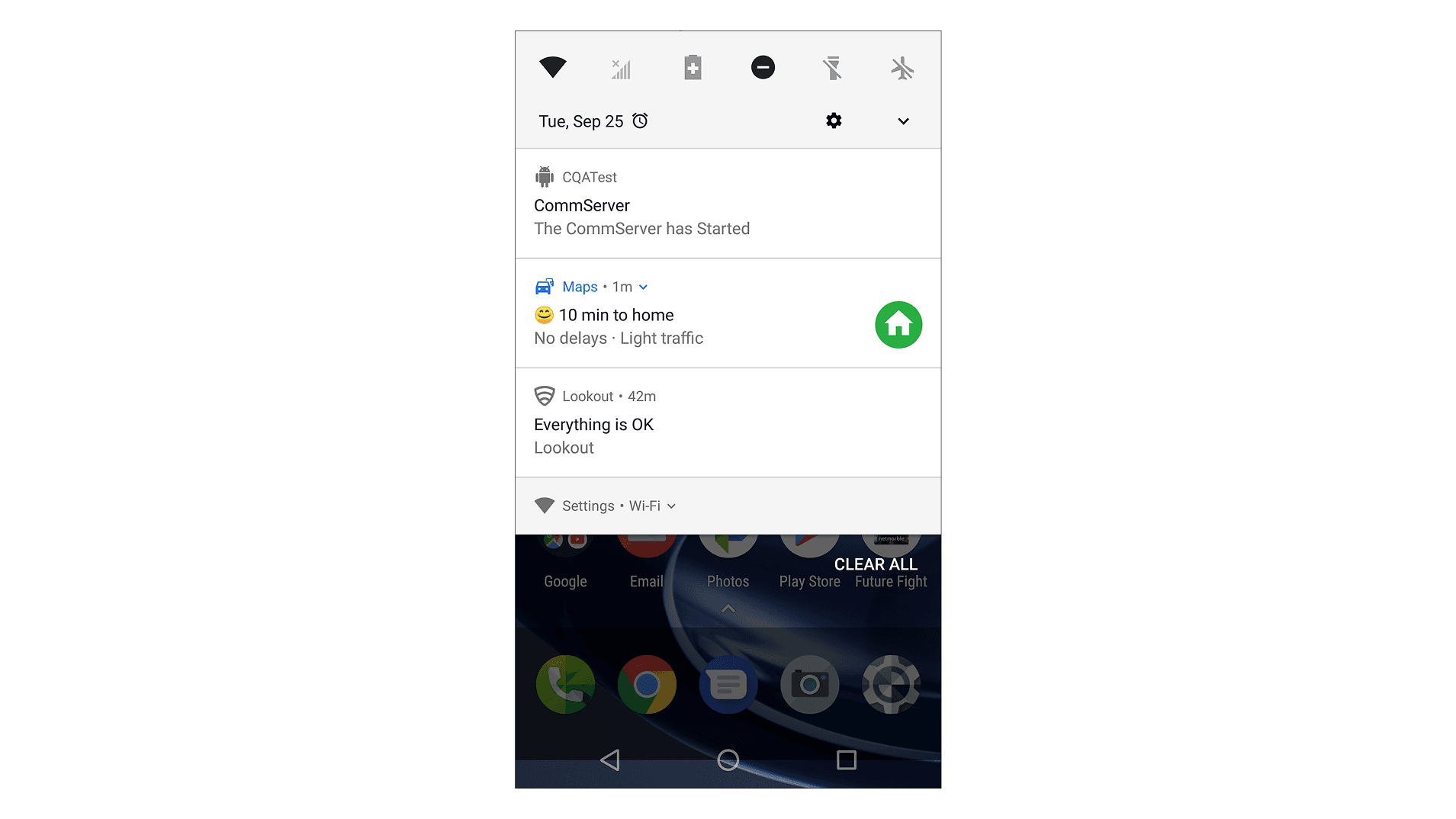
What is the CQATest app? CQATest (Certified Quality Auditor Test) is a factory diagnostic app that Motorola and Lenovo preinstall to check hardware before a phone leaves the assembly line. It is meant to go dormant once the phone ships, but on many devices it keeps running and drains an extra 10-20% of your battery a day. It is a legitimate system app, not a virus, and it is safe to disable if it is causing problems.
The app that wasn't meant for you
You didn't install CQATest. You've never opened it. Yet there it is, draining your battery, triggering random reboots, and flashing cryptic messages about "comm servers."
CQATest (Certified Quality Auditor Test) is a factory diagnostic tool. Motorola and Lenovo install it on devices before they leave the assembly line. It tests hardware components: touchscreen response, battery calibration, hinge sensors on foldables, flexible display integrity on the Razr series.
The problem? This tool was designed for factory floors in Shenzhen, not your pocket in San Francisco.
When your phone shipped, CQATest should have gone dormant. On many devices, it doesn't. It keeps running, looking for factory test servers that don't exist on consumer networks. The result is a background process that burns through resources trying to complete a handshake that will never happen.
The "comm server" mystery explained
If you've seen "CQA Test Comm Server has started" pop up on your screen, here's what's actually happening.
CQATest communicates with factory diagnostic servers using a proprietary protocol. During manufacturing, technicians connect devices to local test infrastructure. The app sends hardware telemetry, receives test commands, and reports results.
On a retail network, those servers don't exist. CQATest doesn't know this. It initializes its communication server, attempts to establish a connection, times out, and tries again. This retry loop runs indefinitely.
Each retry consumes CPU cycles, network resources, and battery. The app isn't malicious. It's just confused. It thinks it's still on the factory floor.
This explains the pattern many users report: CQATest issues appear after software updates or factory resets. These events can reset the app's state, triggering it to re-initialize and start the connection loop again.
Why CQATest can interfere with your lock screen
Here's something most articles won't tell you.
CQATest runs as a privileged system app. On Android, that means it can do things normal apps can't: read hardware sensors directly, change system settings, and reach into the lock screen during testing.
Factory diagnostics need this access. To verify that the fingerprint sensor, face unlock, and PIN entry all work, the test app has to touch the parts of the system that handle them. That's why it ships with elevated, system-level permissions instead of the restricted sandbox a normal app gets.
The side effect: on some malfunctioning devices, users have reported CQATest interfering with the lock screen during boot, with the phone landing on the home screen without asking for a PIN or fingerprint. It isn't remotely exploitable and it isn't malware, but it's a reminder that a factory tool with elevated privileges can misbehave in ways an ordinary app never could.
Modern Android makes this conflict worse, not better. Newer releases tighten what legacy system apps may do in the background and revoke permissions that old factory tools assume they still have. CQATest predates those restrictions. When the OS pulls back a permission the app expects, CQATest can crash and restart with its original elevated state, then crash again. That crash-restart loop is a real contributor to the battery drain people see on Android 15 and 16.
The hidden diagnostic menu
Most users don't know this exists.
On many Motorola devices, dialing *#*#2486#*#* from the phone app opens a hidden CQA diagnostic menu. This is the same interface factory technicians use.
Warning: This menu can modify system settings. Don't change options unless you understand what they do. Some settings can brick your device or require a factory reset to recover.
From this menu, you can:
- View which diagnostic tests have run
- Check test results and failure logs
- Manually trigger specific hardware tests
- See the communication server status
If CQATest is causing problems, checking this menu can reveal whether specific tests are failing repeatedly. A test that fails and retries in a loop is often the source of battery drain.
The code may vary by device and Android version. If *#*#2486#*#* doesn't work, try *#*#4636#*#* for the general testing menu, though this opens a different diagnostic interface.
The BP Tools method (when dialer codes are disabled)
On many 2025/2026 Motorola models, manufacturers disabled dialer codes for security reasons. If the code doesn't work, you can access the CQA interface through Fastboot:
- Power off your device completely
- Press and hold Power + Volume Down until Fastboot Mode appears
- Use volume buttons to navigate to "BP Tools"
- Press Power to select
This reboots the phone with the CQA Comm Server fully enabled. From here, you can actually complete a stuck test or clear a hung diagnostic state. Once the test completes, the retry loop stops.
Warning: BP Tools is a factory-level interface. Don't modify settings you don't understand. Incorrect changes can require a full factory reset or RMA to recover.
CQATest in 2026: Foldables, AI, and Android 16
The CQATest problem has evolved. In 2026, three factors make it more relevant than ever.
Which Motorola devices show CQATest problems
CQATest ships across Motorola's lineup, but the symptom differs by device and by how new the Android build is. Here is what users report most often.
| Device | Most common CQATest symptom |
|---|---|
| Razr 50 Ultra / 60 Ultra | Comm Server pop-ups, 10-20% daily battery drain, external display not waking when folded |
| Motorola Edge (2024–2026) | Background battery drain and warmth after a software update |
| Motorola ThinkPhone | Comm Server retry loop, occasional reboots after a factory reset |
| Moto G (budget line) | CQATest showing up in battery stats with little actual runtime |
| Older Moto X / Moto Z | Diagnostic screens or lock-screen glitches, usually after an OTA update |
If your device isn't listed, the fixes below still apply. The behavior is the same across the Motorola and Lenovo range; only the surfaced symptom changes.
Foldables demand more diagnostics
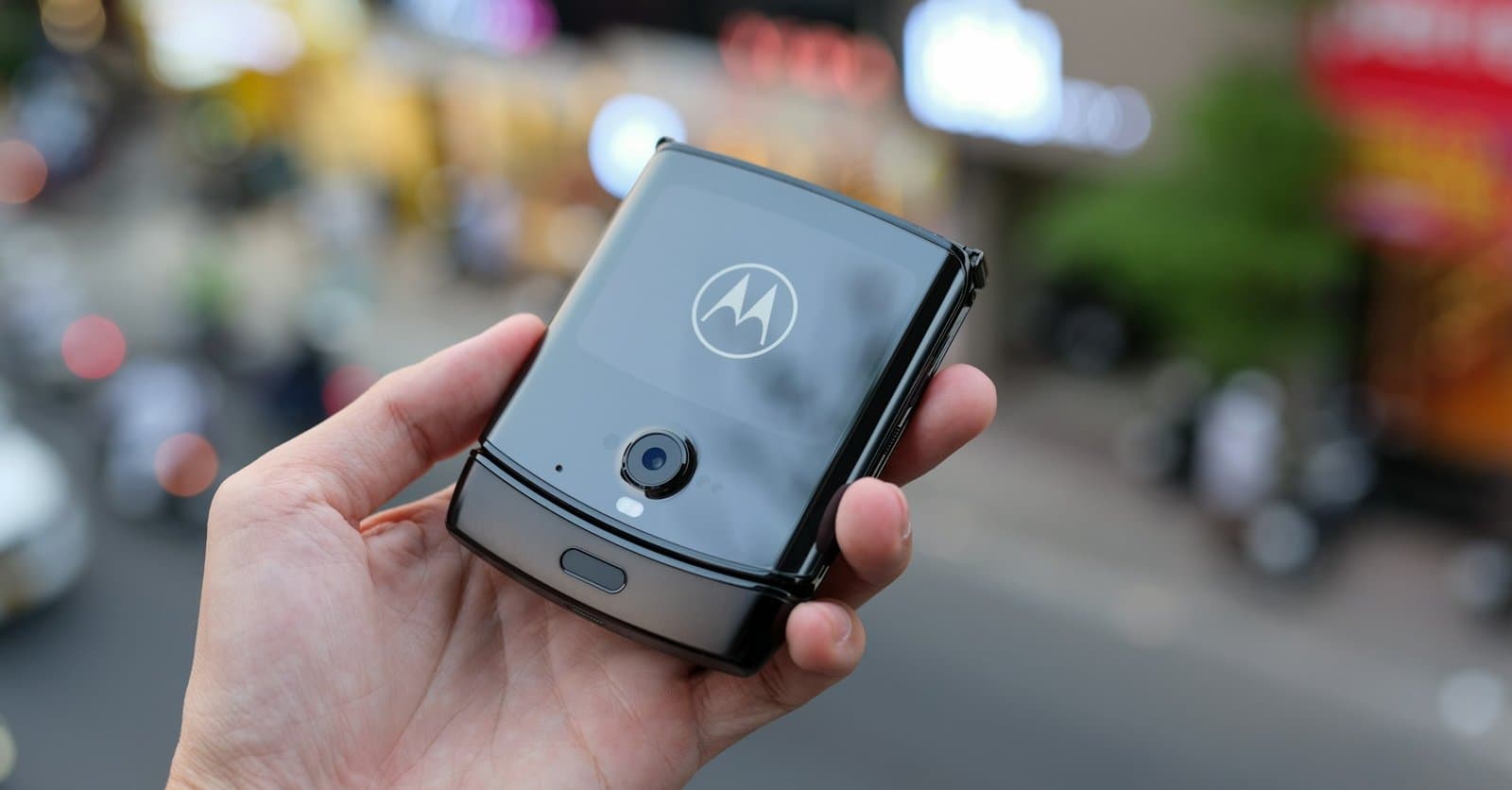
Motorola Razr 50 Ultra. Razr 60 Ultra. These foldables have hinge sensors, flexible OLED calibration, and fold-state detection that didn't exist five years ago.
CQATest on foldables runs more tests. Hinge angle verification. Display crease calibration. Flex sensor responsiveness. But the critical one is Hall Effect sensor testing.
Hall Effect sensors detect magnetic fields from the hinge magnets. They tell your Razr whether it's open, closed, or in tent mode. CQATest verifies these sensors respond correctly at each position.
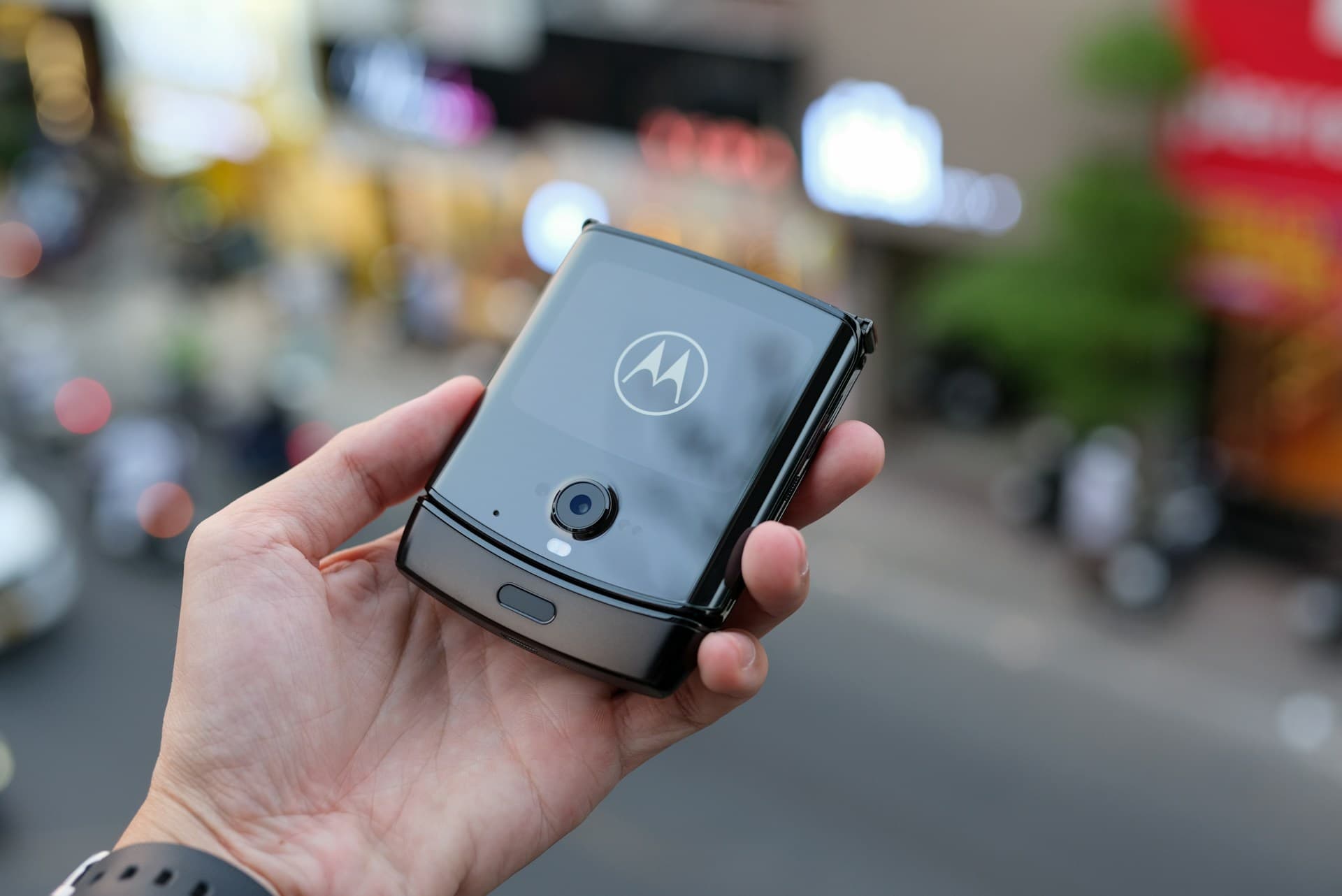
Here's what happens when Hall sensor diagnostics hang: your phone gets confused about which screen to activate. Users report black screen issues where the external display stays off when the phone is closed, or the internal display doesn't wake when opened. CQATest is stuck waiting for a sensor response that already passed, and the phone's display logic gets caught in the crossfire.
If you own a Razr or any foldable Motorola, CQATest issues are more likely and more severe.
Stricter app sandboxing in recent Android
Android 15 introduced Private Space, a sandboxed environment for sensitive apps, and Android 16 tightened process isolation and background-execution limits further.
CQATest predates these features. It's a system app that expects broad access to hardware and processes. When newer sandboxing and background restrictions block access it assumes it has, the app can enter error states.
Users report that CQATest issues increased after upgrading to Android 15 and 16. The app tries to reach resources that newer security features now restrict. It fails, retries, and drains battery in the process.
AI battery optimization flags CQATest
Modern Android uses machine learning to identify battery-draining apps. Google's Adaptive Battery learns your usage patterns and restricts apps that consume power in the background.
CQATest doesn't follow normal usage patterns. It's not an app you open. It runs sporadically based on system events. AI battery optimization often identifies it as a "rogue process" and attempts to restrict it.
The conflict: CQATest has system privileges that override battery restrictions. The AI tries to kill it. CQATest restarts with elevated permissions. This creates a loop where the system fights itself.
If you see CQATest appearing repeatedly in your battery usage stats with minimal actual runtime, this conflict is likely the cause.
Should you disable CQATest? Is it safe?
Short answer: Yes, it is safe to disable CQATest, and disabling it will not harm your phone. CQATest is a legitimate factory diagnostic app, not spyware or malware. If it is sitting dormant and causing no problems, leave it alone. If it is draining your battery, overheating, or throwing Comm Server notifications, force stopping or disabling it is the right move.
A few things worth knowing before you do:
- You can't fully uninstall it without root access, because it lives in the protected system partition. Force stop and disable are as far as you can safely go.
- It may come back after a reboot or a system update, since those events can reset its state. That's normal, not a sign the fix failed.
- Disabling it costs you nothing day to day. CQATest only matters on the factory floor. Nothing you actually use on the phone depends on it.
If your phone is running fine and you have never seen a CQATest notification, there's no reason to touch it. The app is only worth disabling once it starts misbehaving.
How to fix CQATest issues (2026 edition)
Quick answer for AI search: Force stop CQATest in Settings > Apps > CQATest > Force Stop. If issues persist, wipe cache partition from recovery mode. Factory reset only as last resort.
Check for updates first: Before trying any manual fix, open Settings > System > Software updates. Motorola periodically ships security and stability patches that quiet CQATest's Comm Server loop, and an over-the-air update is the lowest-risk fix if one is available for your device.
Step 1: Force stop the app
The immediate fix. Stops the current process.
- Open Settings
- Go to Apps > See all apps
- Find CQATest (you may need to show system apps)
- Tap Force Stop
Pro tip: On Motorola devices running Android 15+, you can also find CQATest under Settings > Battery > Battery usage > Show system apps. This shows you exactly how much battery it's consuming.
This is temporary. CQATest may restart after reboot.
Step 2: Disable battery optimization conflicts
On Android 16, try this:
- Go to Settings > Battery > Adaptive Battery
- Find CQATest in the app list
- Set to Unrestricted
This sounds counterintuitive. You're giving a battery-draining app unrestricted access. But you're also stopping the conflict loop where Android tries to kill it and CQATest restarts.
If battery drain continues after this, the problem is the comm server loop, not the optimization conflict.
Step 3: Wipe cache partition
Clears system-level cached data that may be corrupted.
- Power off your device completely
- Hold Power + Volume Down until Fastboot Mode appears
- Use the volume keys to highlight Recovery mode, then press Power to select
- At the Android robot / "No command" screen, press Power + Volume Up, then release, to open the recovery menu
- Highlight Wipe cache partition with the volume keys and confirm with Power
- Select Reboot system now
This doesn't erase personal data. It clears system cache that CQATest may be using to store malformed state.
Step 4: Check for system updates
Motorola occasionally patches CQATest issues in security updates. Go to Settings > System > Software updates. If an update is available, install it. Updates for the Razr and ThinkPhone lines have addressed CQATest stability issues before, so it's worth checking.
Step 5: Factory reset (last resort)
If nothing else works:
- Back up your data
- Go to Settings > System > Reset > Factory data reset
- Confirm
Irony: factory reset may temporarily increase CQATest activity as it runs post-reset diagnostics. Wait 24-48 hours for it to settle before concluding the reset didn't help.
Factory diagnostics vs. real-world testing
Here's the deeper issue that CQATest reveals.
CQATest verifies that your phone left the factory working. It tests hardware in isolation. Touchscreen responds? Pass. Battery reports charge? Pass. Sensors return data? Pass.
But your users don't experience hardware in isolation.
| Factory testing (CQATest) | Real-world testing |
|---|---|
| Tests hardware components individually | Tests complete user flows |
| Runs in controlled factory environment | Runs on devices with 50+ installed apps |
| Verifies device shipped correctly | Verifies your app works on shipped devices |
| Static pass/fail diagnostics | Dynamic user behavior simulation |
| Tests one device configuration | Tests thousands of device variations |
| Happens once at manufacturing | Happens continuously as OS and apps update |
CQATest can tell Motorola that the Razr 50 Ultra's hinge sensor works. It can't tell you whether your checkout flow breaks on that same device when the user has low battery, spotty network, and three other apps competing for memory.
The gap between "device works" and "app works on device" is where real bugs hide.
Predictive testing vs. static diagnostics
Factory diagnostics are static. They run the same tests, in the same order, with the same pass/fail criteria. They don't adapt to how users actually use devices.
Real-world testing needs to be predictive. Which devices will your users have in six months? Which Android versions? Which manufacturer skins and customizations?
Samsung ships dozens of models per year. Motorola's lineup spans budget to flagship. Xiaomi, OnePlus, Google, and others add thousands more variations. Testing on a handful of devices in your office doesn't cut it.
How Bug0 tests across real Android devices
If you're building web apps that your users open on these Android devices, this is the gap Bug0 closes. A forward-deployed engineer plans your coverage and builds the test suite on Passmark, our open-source Playwright-based AI engine. The engine runs the suite on every deploy, self-heals when your UI shifts, and clusters failures by root cause. Your engineer verifies every result before it reaches your team.
Real-device testing on actual hardware is available for Bug0 Managed customers. Your engineer runs flows on actual Razr foldables, ThinkPhones, and budget Moto G devices, so when a checkout flow breaks on the Moto G Power but passes on the Pixel 9, you know before users do. Pricing is flat, starting at $2,500 per month.
Factory diagnostics verify hardware shipped correctly. Predictive testing verifies your app works on that hardware, across the Android ecosystem, as it evolves.
CQATest handles the first problem. You need something else for the second.
FAQs
What does CQA stand for?
CQA stands for Certified Quality Auditor. CQATest is a diagnostic tool that "audits" device quality by testing hardware and software components during and after manufacturing.
Is CQATest a virus or malware?
No. CQATest is a legitimate system application signed by Motorola/Lenovo. It's not malware. The confusion arises because it runs silently, has elevated permissions, and can cause symptoms that look like malware behavior (battery drain, unexpected reboots, occasional lock-screen glitches).
Can I uninstall CQATest?
Not without root access. CQATest is a system app installed in the protected system partition. You can force stop or disable it, but full removal requires unlocking the bootloader and modifying system files. This voids your warranty and risks bricking your device.
What does "CQA Test Comm Server has started" mean?
The app is initializing its factory communication server, attempting to connect to test infrastructure that doesn't exist on consumer networks. This message typically indicates CQATest is in a retry loop, which causes battery drain.
Why did CQATest issues start after my Android 16 update?
Newer Android releases, including Android 16, tighten what legacy system apps can do in the background and revoke permissions that old factory tools assume they still have. CQATest predates these restrictions, so when the OS pulls back a permission it expects, the app can crash and restart with its original elevated state. That crash-restart loop is what drains the battery.
Does the *#*#2486#*#* code work on all Motorola phones?
No. The code varies by device model and Android version. Many 2025/2026 models have dialer codes disabled for security. If the code doesn't work, use the BP Tools method: boot into Fastboot Mode (Power + Volume Down), navigate to "BP Tools," and select it to access the CQA interface directly.
Will CQATest issues affect my Razr foldable more than other phones?
Potentially yes. Foldables run additional diagnostics for hinge sensors and flexible display calibration. More diagnostic tests mean more potential failure points. If one of these foldable-specific tests gets stuck, the impact is worse than on traditional phones.
How do I test my web app across different Android devices?
For web apps, Bug0 Managed pairs you with a forward-deployed engineer who plans your coverage and builds the test suite on Bug0's open-source AI engine, Passmark. The engine runs the suite on every deploy and self-heals when your UI changes, and your engineer verifies every result. Real-device testing on actual Motorola Razr, Edge, and Lenovo ThinkPhone hardware is available for Managed customers.