tldr: A pull request merged into Playwright on June 25 adds a scale: device mode to the MCP browser_take_screenshot tool. On a Retina screen, that doubles the linear resolution AI agents work with. It is not in a stable release yet, but the problem it fixes has been there since day one.
The screenshot your AI agent sees is not what you see
Your UI looks sharp on your MacBook. The screenshot your AI test agent captures during a run does not.
This is not a bug. It is how browsers report screen dimensions.
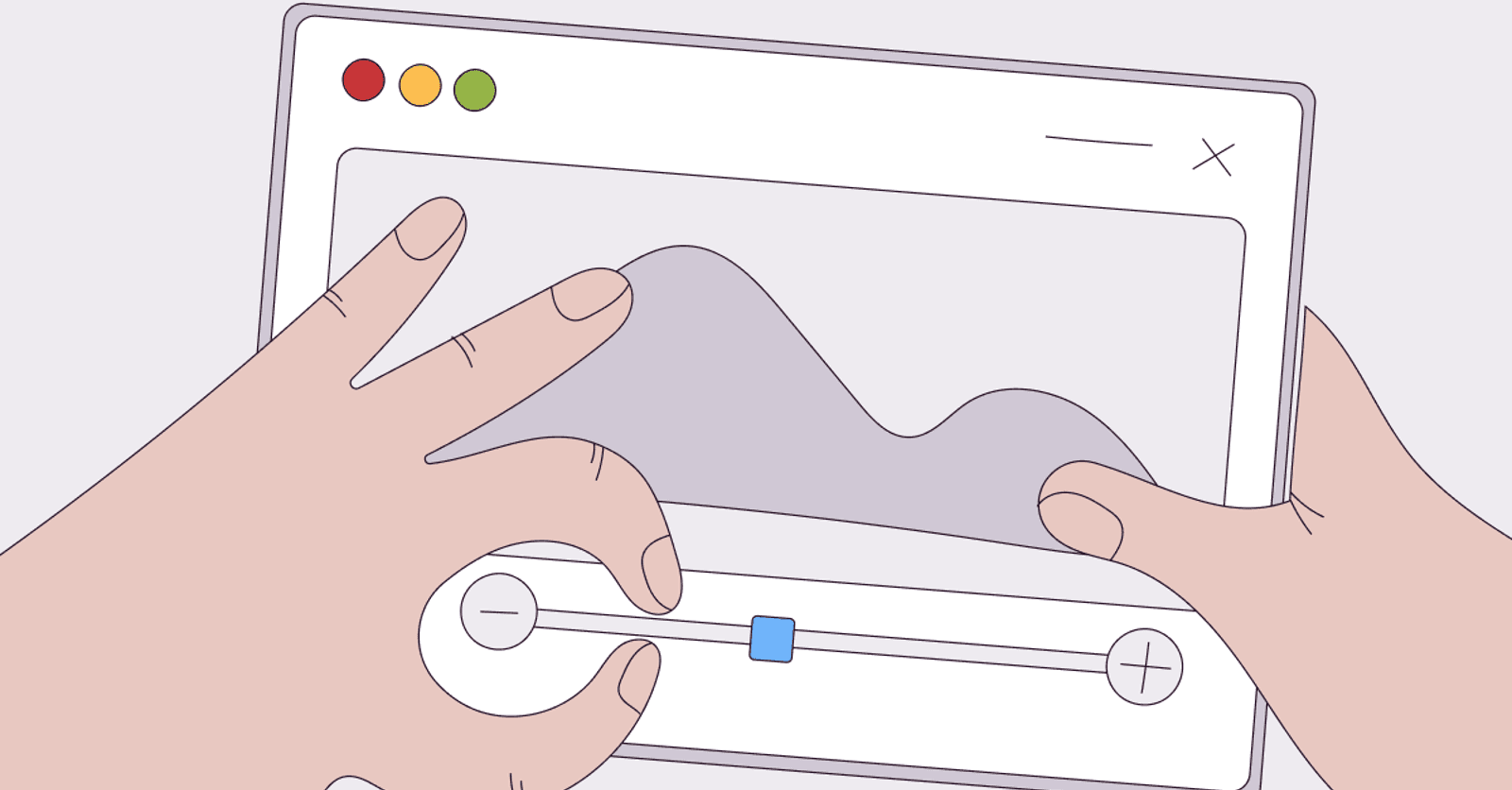
Modern displays have a device pixel ratio (DPR) of 2. Your browser tells the page the screen is 1440px wide. The physical panel is 2880px. CSS pixels scale by DPR so layouts work consistently across displays. That abstraction is correct for rendering. It is the wrong default when an AI model needs to read what is on screen.
Playwright MCP's browser_take_screenshot tool captures at CSS pixels. On a 2x Retina display, you get a 1440-pixel-wide image of a 2880-pixel display. Every button, every label, every error message is rendered at half its native resolution. For a human glancing at a debug screenshot, the difference is subtle. For a vision model asked to read a 12px error message, or to decide which of two overlapping controls to click, the difference is not subtle.
What just merged
Pavel Feldman, a core Playwright maintainer, merged PR #41465 on June 25, 2026. The change adds a scale parameter to the browser_take_screenshot MCP tool:
-
scale: "css"captures at CSS pixels. This is the current behavior and remains the default. -
scale: "device"captures at device pixels, respecting the DPR of the screen.
On a 2x Retina display, scale: "device" returns a screenshot with twice the linear resolution in both axes: four times the total pixels. On a 1x display, the two modes produce identical output.
The same option surfaces in playwright-cli, Playwright's agent-facing CLI, as a --hires flag on the screenshot command. It runs against the page the CLI already has open:
# CSS pixels, current default
playwright-cli screenshot

# Device pixels, accounts for device pixel ratio
playwright-cli screenshot --hires
For an AI agent calling the MCP tool directly, the parameter is passed as part of the tool call:
{
  "scale": "device"
}
This is not in a stable release yet. The current stable is Playwright 1.61.1, which shipped June 23. The change is in main and will land in the next stable release. If you are running a suite on Bug0, your FDE tracks Playwright releases and rolls improvements like this into your setup. You do not have to.
Why screenshot resolution matters for AI test agents
Playwright MCP's main mode does not process screenshots at all. It reads the accessibility tree: a 2-5KB structured snapshot of every interactive element on the page, with names, roles, states, and reference IDs. An AI agent using this path can navigate an entire application without ever looking at a pixel. That is fast, cheap, and reliable. A blurry screenshot does not affect it.
But some steps require an image. The accessibility tree does not capture whether an animation ran, whether a chart rendered correctly, or whether a toast notification said what it was supposed to say. For those assertions, the AI reasons about a screenshot. And image quality matters for three specific cases.
Text in images. Error messages, inline validation, toast notifications, PDF previews. If the assertion is "does this page show a payment confirmed message," the model is reading text from pixels. At half DPR resolution, 12-13px UI text is harder to distinguish. The difference between "Payment confirmed" and "Payment confirming" at 1x resolution in a small font is not always clear. At 2x it is. This also compounds when you run assertions through multiple models. Passmark, Bug0's open-source Playwright engine, runs assertions on Claude and Gemini in parallel and uses an arbiter to resolve disagreements. If both models receive a blurry screenshot, both may misread the same element the same way, and the arbiter never sees a disagreement to catch. Higher-resolution input gives each model independent, accurate signal.
Visual state verification. Some flows are only testable visually: a canvas element, a chart library, a PDF viewer, a rich text editor. The accessibility tree has nothing useful to say about these. A vision model assessing whether a bar chart rendered correctly gets more signal from a 2880px-wide screenshot than a 1440px one. The same applies to video. Passmark records full step-execution video to catch ephemeral UI like toasts and snackbars that screenshots miss. That video is also sharper at device pixel density, which matters when the assertion is "did this notification appear and say the right thing."
Computer-use click targeting. Some AI testing frameworks mix accessibility-tree steps with visual screenshot-driven steps. In that mode, the AI looks at a screenshot and decides where to click by coordinates. The precision of that click depends on the AI correctly reading the screenshot. A fuzzy input produces off-target clicks. A full-resolution input does not.
The broader direction
This change is small. But it fits a pattern worth noticing.
Playwright 1.60, released in May, added a boxes option to toMatchAriaSnapshot() and page.ariaSnapshot(). Setting boxes: true appends the bounding box of every element to the aria snapshot as [box=x,y,width,height]. The release notes call it "useful for AI consumption." If you missed 1.60, the 1.61 release post covers what that release added.
The boxes option and the scale: device option are solving adjacent problems. boxes tells an AI agent where every accessible element is positioned in CSS coordinates. scale: device tells a vision model what the page looks like at native pixel density. One improves structured navigation. The other improves visual grounding. Playwright is investing in both paths at the same time, not picking one.
For teams building AI testing infrastructure on Playwright MCP, these additions compound: a well-grounded visual agent that knows both the layout structure and sees the page in full resolution is materially more accurate than one with either alone. Keeping up with that trajectory, testing new parameters, and rolling them into a live suite takes time. That is the work Bug0 absorbs.
Where this does not help
Be honest about the scope.
scale: "device" produces a different result only on screens where DPR is greater than one. Most CI runners, including GitHub Actions Linux workers, default to a 1x display. If your visual assertion fails in CI but passes locally, this change does not fix that mismatch by itself. Getting CI to simulate a 2x display requires launching the browser with a device scale factor flag, which is a separate step.
It also does not affect the accessibility-tree path at all. If your test agent navigates and clicks through the aria snapshot, screenshot quality is irrelevant to those steps. You care about scale: device only for steps that actually process an image, which for most Playwright MCP workflows is a small fraction of total steps.
And higher resolution is not a substitute for using the accessibility tree where the tree works. A vision-based click on a clearly-labelled button is less reliable than a tree-based click, regardless of how sharp the screenshot is. More pixels make visual steps more accurate, not unnecessary.
FAQs
What is scale: device in Playwright MCP's screenshot tool?
It is a new parameter for the browser_take_screenshot MCP tool, merged in PR #41465 on June 25, 2026. Setting scale: "device" captures the screenshot at full device pixel resolution rather than CSS pixels. On a 2x Retina display, this doubles the linear resolution of the returned image, giving four times the total pixels compared to the default scale: "css" mode.
When does this ship in a stable release?
The change merged into Playwright's main branch on June 25, 2026. The current stable is Playwright 1.61.1 (released June 23). The feature will ship in the next stable release. No date for that release has been announced.
Does this affect the regular page.screenshot() Playwright API?
This change is specifically for the MCP browser_take_screenshot tool and the playwright-cli screenshot command. It is a separate API from page.screenshot().
Does it help on 1x displays?
No. On displays with a device pixel ratio of 1, scale: "device" and scale: "css" produce identical output. The gain only applies on HiDPI screens where DPR is greater than one, typically modern Retina laptops and high-DPI monitors.
How does this connect to computer-use testing?
Computer-use testing drives browser interaction by having a vision model look at screenshots and decide where to click or what to read. Higher-resolution screenshots give the model more pixel data, which improves click targeting accuracy and text recognition on dense or small-font UIs. If your framework mixes accessibility-tree steps with screenshot-driven visual steps, this change improves the visual half on HiDPI hardware. Bug0's open-source Passmark engine supports mixing CUA and snapshot steps per test, and this directly improves CUA-mode screenshot quality on those screens.
What is Playwright MCP?
Playwright MCP is a Model Context Protocol server from Microsoft that exposes Playwright's browser automation capabilities as structured tools. AI agents connect to it via MCP to navigate, click, fill forms, and take screenshots without writing Playwright scripts directly. It is the bridge between an AI model and a live browser. More background: Playwright MCP changes the build vs. buy equation for AI testing in 2026.
The change is one parameter. On any HiDPI screen, AI test agents have been working with half-resolution inputs since Playwright MCP shipped. That is now fixable. Small step, real consequence.